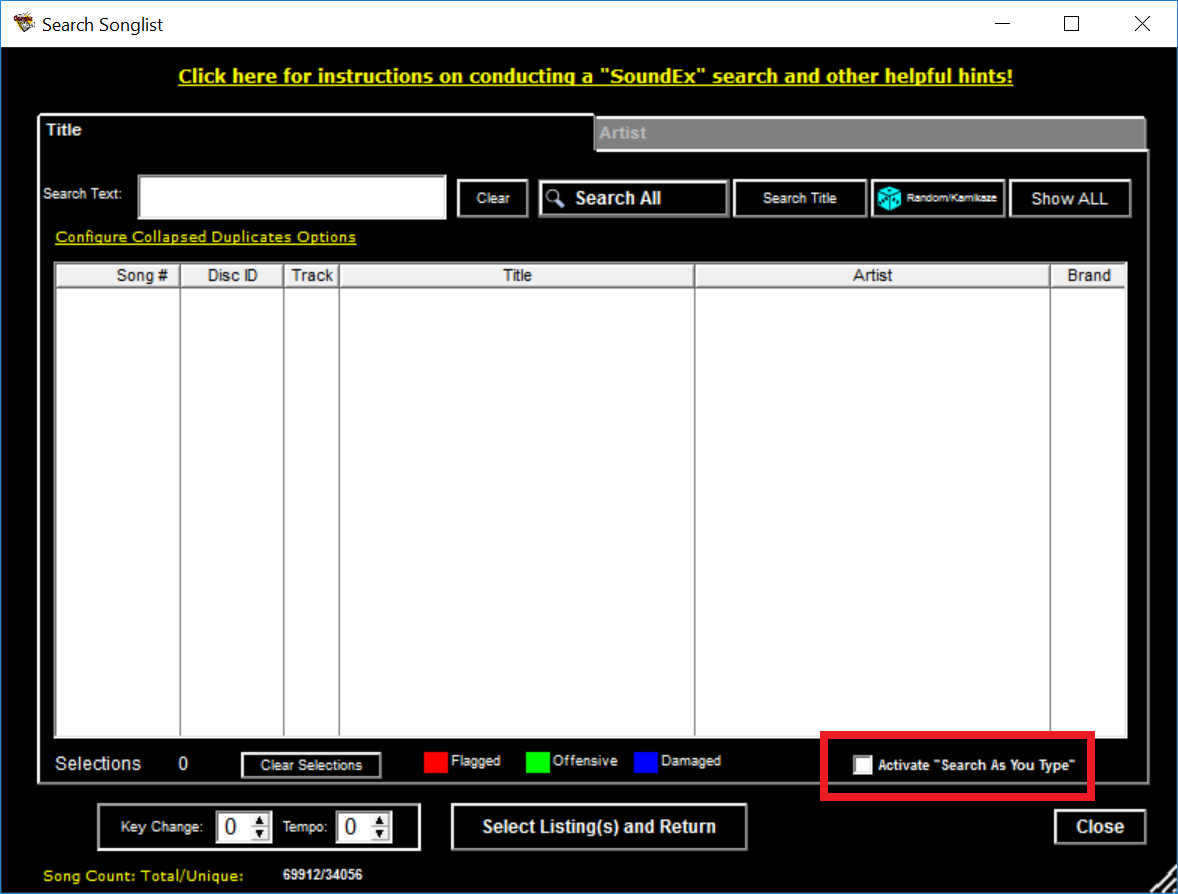
From CompuHost's Search SongList window by either clicking on Add Song Request (from Selected Performers Song Queue), by Clicking Song Search and Drag (from the Tool Bar), or (from the top menu bar) select Songlist->View/Search SongList and locate the box next to "Search as you Type" (located in the lower right hand corner of the Search SongList window).
- To Activate Search As You Type check the box next to "Search As You Type"
- To Deactive Search As You Type uncheck the box next to "Search As You Type"